
Built for real home miners
Your miners.
Your network.
One cockpit.
Find supported ASIC miners on your LAN, catch problems early, and understand hashrate, heat, power, cost, and solo-mining odds from your iPhone.
SoloOps is live for iPhone and iPad. No cloud account, wallet secret, or phone mining required.
A SoloOps exclusive
Your pool. Your rules. One animated command center.
Connect a user-operated Umbrel or Stratum OS solo pool by private address. SoloOps can recognize local Stratum endpoints reported by connected miners and bundle every miner sharing the same IP and port.
- Separate dashboard and Stratum ports
- Automatic local-pool detection from miner telemetry
- Combined workers, hashrate, shares, and best difficulty
- Private-LAN reachability checks without pool commands
You choose, configure, secure, and operate the pool. SoloOps only monitors endpoints you explicitly add.
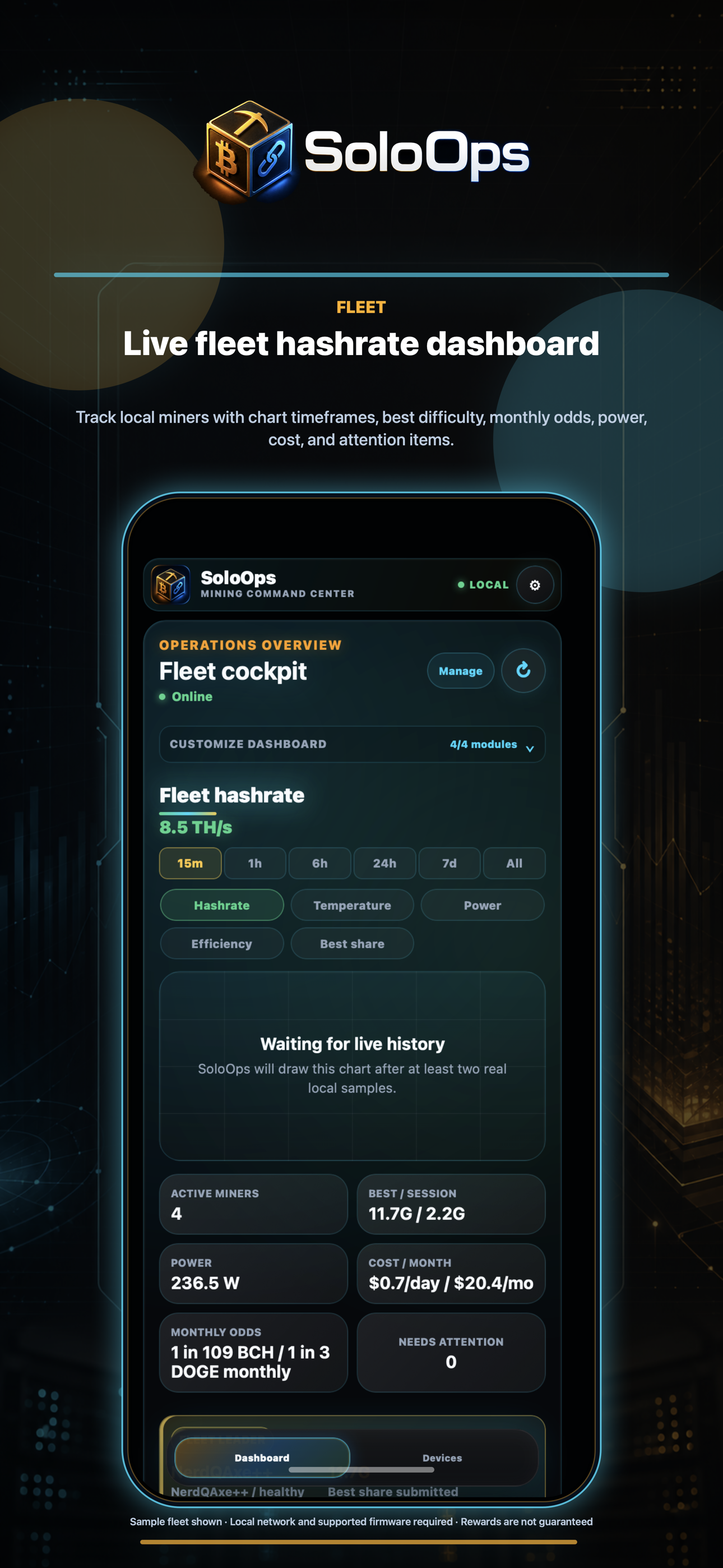
A fleet view that answers the important questions
Know what your miners are doing without opening six firmware tabs.
SoloOps turns scattered miner status pages into a compact daily cockpit. See what is active, what needs attention, what it costs to run, and how your current hashrate translates into BTC, BCH, or DOGE odds.
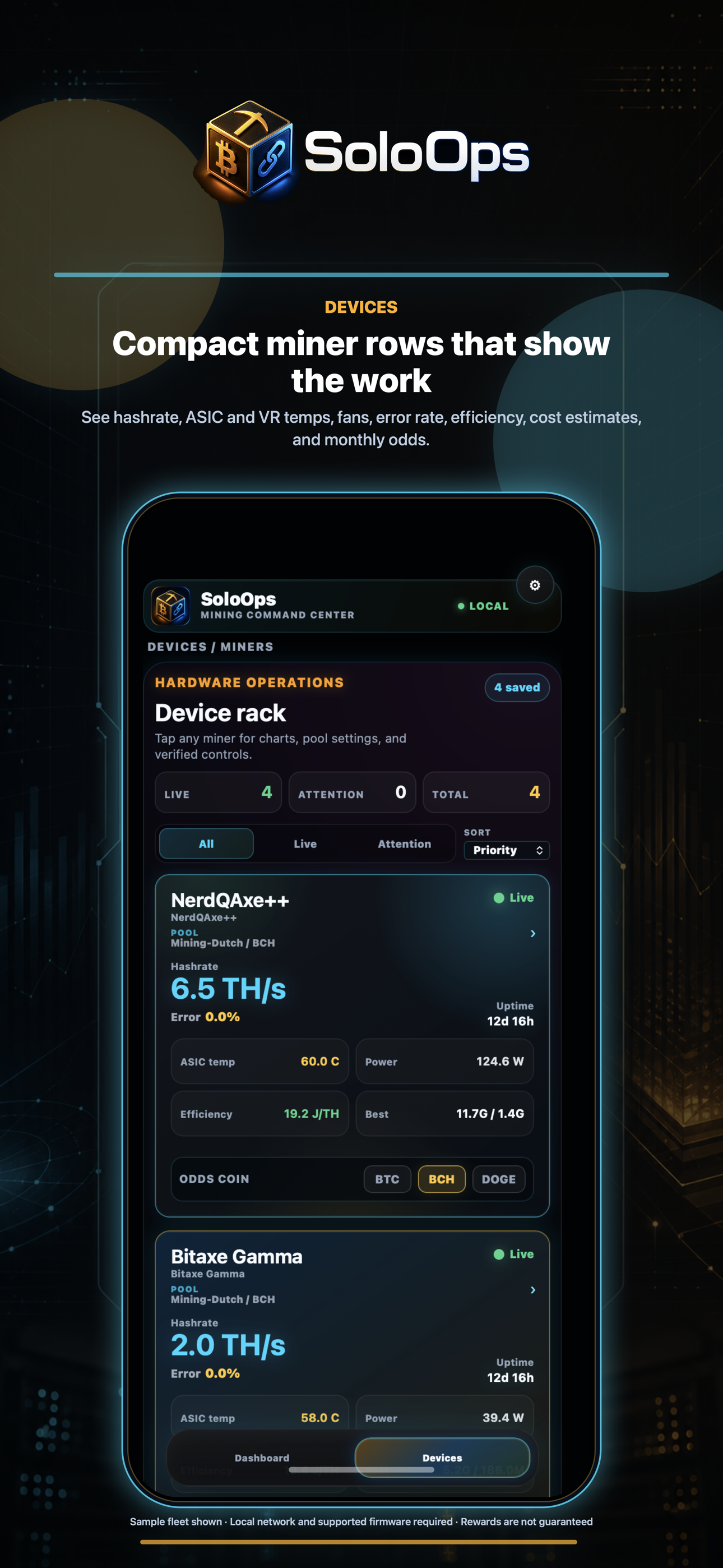
- Fleet and per-device hashrate
- ASIC and regulator temperatures
- Fan, efficiency, uptime, and share health
- Electricity-cost estimates
- Coin-specific monthly solo-mining odds
Everything you need for the daily check
Built around the way home miners actually operate.
SoloOps is a monitoring companion for hardware you own—not a wallet, exchange, cloud-mining scheme, or reward promise.
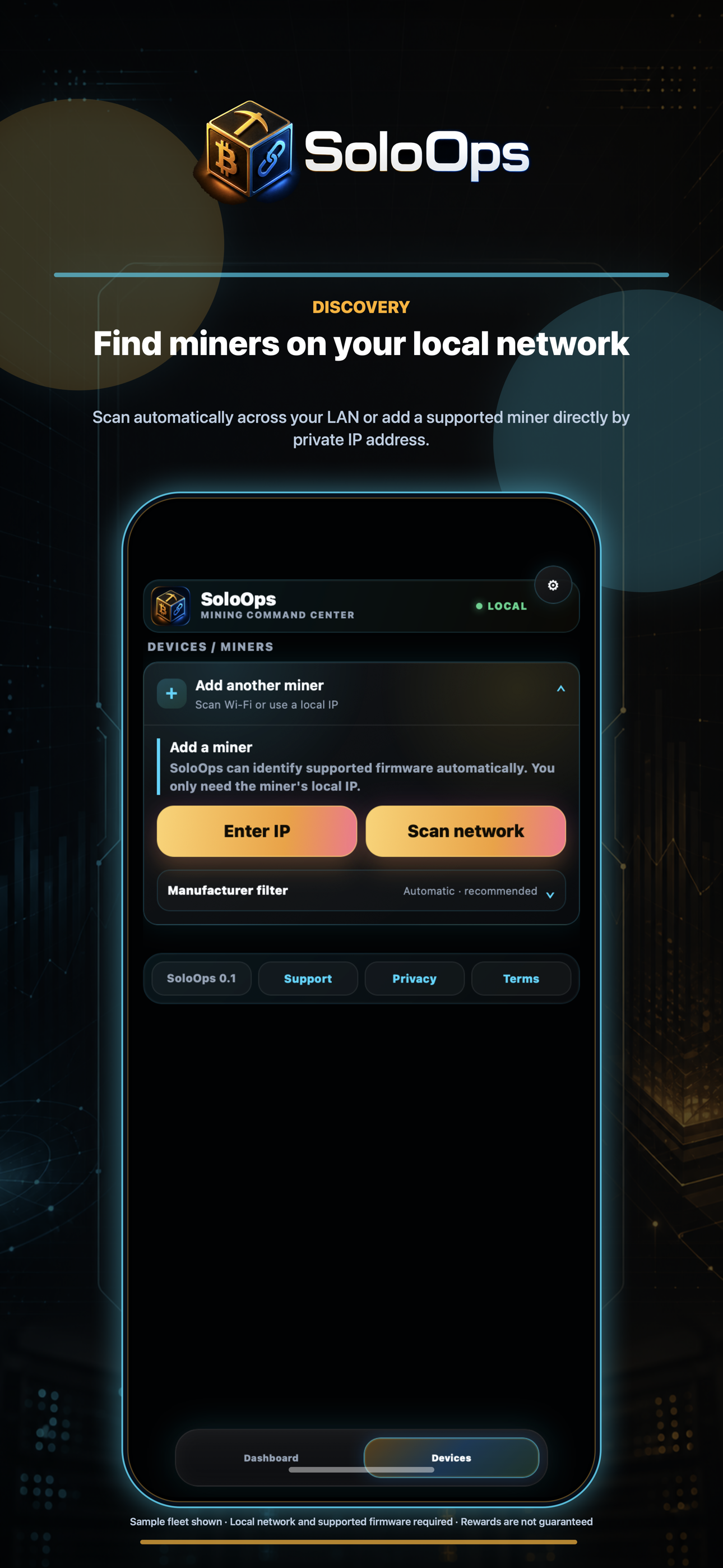
Automatic LAN discovery
Scan up to 254 local addresses or connect directly to a miner's private IP.
Local solo-pool dashboard
Detect private pool endpoints from miner telemetry and bundle miners using the same pool.
Needs-attention states
Surface offline devices, heat, low hashrate, stale readings, and share problems quickly.
Useful odds, clearly labeled
Choose BTC, BCH, or DOGE per miner and see estimates without implying guaranteed rewards.
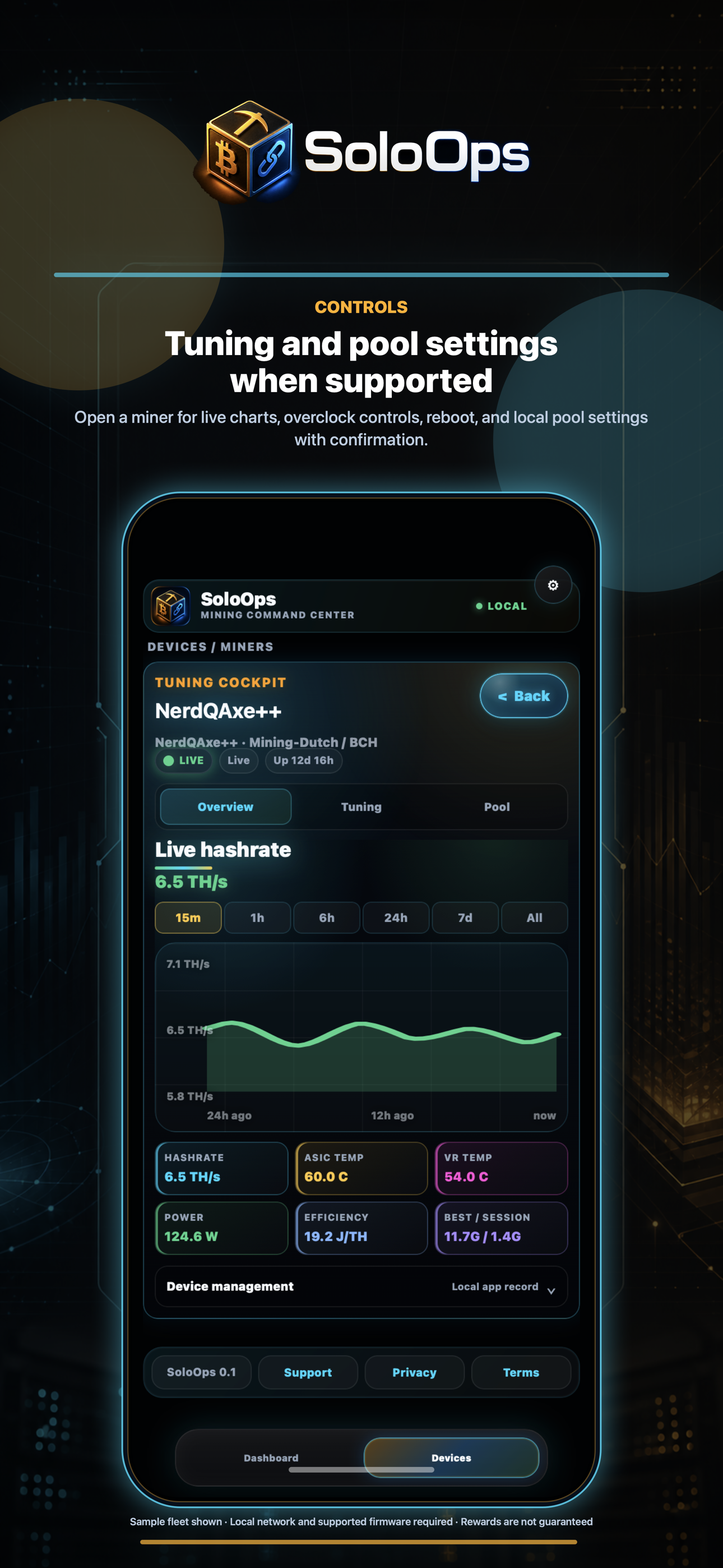
Capability-checked controls
Restart, fan, pool, and tuning actions are shown only where supported and require confirmation.
From network to dashboard in minutes
Scan. Confirm. Monitor.
- Join the same network.Keep your iPhone and miners on the same Wi-Fi or LAN.
- Run a local scan.SoloOps checks private addresses for recognized miner APIs.
- Add verified devices.Supported telemetry begins populating your fleet dashboard.
Hardware support
One app for a mixed home fleet.
SoloOps recognizes a growing set of home-mining firmware and device families. Exact telemetry and controls depend on model, firmware, and local API availability.
Simple Pro pricing
Start with the fleet you have. Grow when you need to.
The App Store shows the final localized price before purchase. Monthly and yearly plans auto-renew until cancelled; Lifetime does not renew.
Monthly Pro
$1.49/monthFull Pro tools with a monthly subscription.
Yearly Pro
$13.49/yearA lower annual price for an always-on home fleet.
Lifetime Pro
$24.99Unlock Pro once with no recurring renewal.
Local by design
Your mining operation is yours.
SoloOps reads supported status APIs on your local network. It does not ask for seed phrases, private keys, exchange credentials, or router passwords.
No phone mining
SoloOps monitors external hardware. It never runs hidden mining code on your iPhone.
No custody
SoloOps does not hold funds or need the secrets that control them.
No reward promises
Odds and cost figures are estimates for planning, not guarantees or financial advice.
SoloOps for iPhone and iPad
Your next miner check should take seconds.
SoloOps is live on the App Store. Download it and turn your next fleet check into one clear view.
apps.apple.com/us/app/soloops-miner-dashboard/id6765697095